Table of Contents
How to Build an Email List with AWeber: 2026 Proven Hack
Editorial note: This guide focuses on practical accuracy, clear caveats, and easier comparison for readers making a 2026 decision.
Disclosure: This article contains affiliate links. If you sign up via these links, tooltester24.com earns a commission at no extra cost to you. Rankings are based on testing criteria, not commission rates.
Your email list is the single most valuable marketing asset you actually own. Unlike social media followers or search engine rankings, which can vanish overnight due to algorithm changes, platform shutdowns, or policy updates, a well-maintained email list remains under your control. It provides a direct line of communication to your audience that no third-party platform can intercept or monetize without your permission. In the digital landscape of 2026, owning your audience data is not just a best practice; it is a fundamental business survival strategy amidst increasing privacy regulations and AI-driven content saturation. As third-party cookies become obsolete, first-party data collected through email subscriptions becomes the currency of digital marketing.
AWeber has been one of the primary tools for building that list since 1998. In 2026, it remains a solid choice for freelancers, small business owners, and content creators who want reliable deliverability and a feature set that covers the fundamentals without requiring a developer. With the rise of AI-driven content and stricter privacy laws like GDPR and CCPA, having a compliant, robust email platform is more critical than ever. This guide walks you through the exact process: account setup, sign-up form creation, landing page build, automation configuration, and the growth tactics that actually move subscriber counts. By following this blueprint, you can establish a sustainable growth engine for your business that withstands platform volatility.
What Does AWeber Offer in 2026?
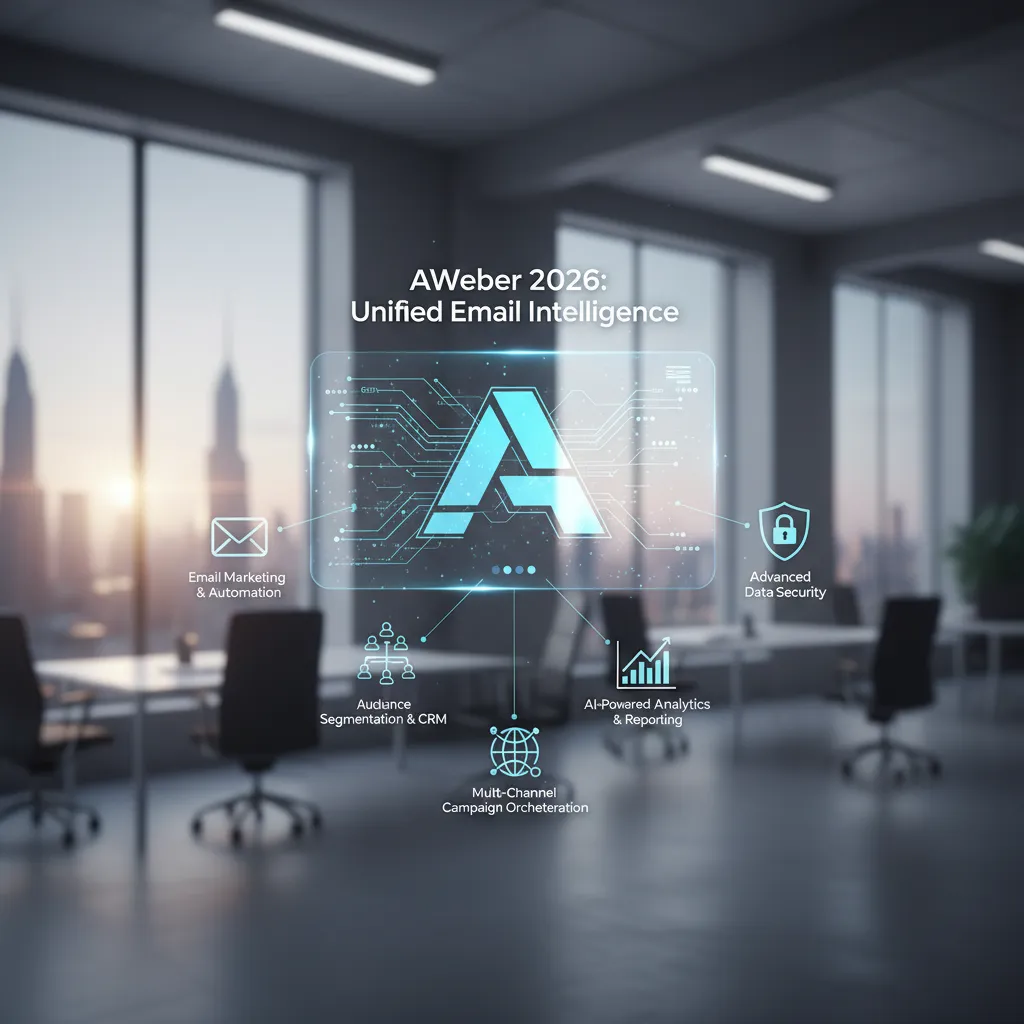
AWeber covers the core list-building workflow without gaps, ensuring that you do not need to juggle multiple subscriptions for landing pages and automation. The key features relevant to building a list from zero are comprehensive and designed for ease of use. Unlike fragmented tools that require Zapier connections for basic functionality, AWeber provides an all-in-one ecosystem. This consolidation reduces technical debt and ensures data consistency across your marketing efforts, which is vital for accurate tracking and reporting. In 2026, the platform has integrated deeper AI capabilities to assist with copywriting and design, making it easier for non-technical users to compete.
- Landing pages: Unlimited pages on all paid plans, 46+ templates, custom domain support, and mobile responsiveness. The builder includes AI-generated layout suggestions to optimize for conversions.
- Sign-up forms: Inline forms, pop-ups, slide-ins, floating bars, embeddable anywhere on your site. Mobile-optimized templates ensure high conversion on smartphones, which account for over 60% of opens.
- Automations: Tag-triggered sequences, welcome series, behavioral follow-ups, and click-based branching. Visual workflow builders make complex logic simple to implement without coding.
- Integrations: WordPress, Shopify, Squarespace, Wix, Facebook, WooCommerce, and 750+ via Zapier. Native integrations ensure data syncs in real-time, preventing data silos.
- AI Writing Assistant: Available on Lite and above for subject lines, email copy drafts, and content ideation. This reduces the time spent on copywriting by up to 50%, allowing you to focus on strategy.
- Deliverability: AWeber maintains strong inbox placement rates through established sender reputation and authentication protocols like DKIM, SPF, and DMARC.
The Lite plan starts at $15/month (or $12.49/month billed annually) and covers one list, three landing pages, three automations, and basic analytics. The Plus plan at $30/month ($19.99/month annually) removes all caps on lists, automations, and landing pages, and adds split testing, cart abandonment emails, and priority support. For most growing businesses, the Plus plan offers the necessary flexibility to scale without hitting artificial ceilings. A 14-day free trial gives full feature access before committing, allowing you to test the interface and deliverability before spending money. This risk-free period is essential for verifying that the tool fits your specific workflow.
How Do You Build an Email List with AWeber Step-by-Step?
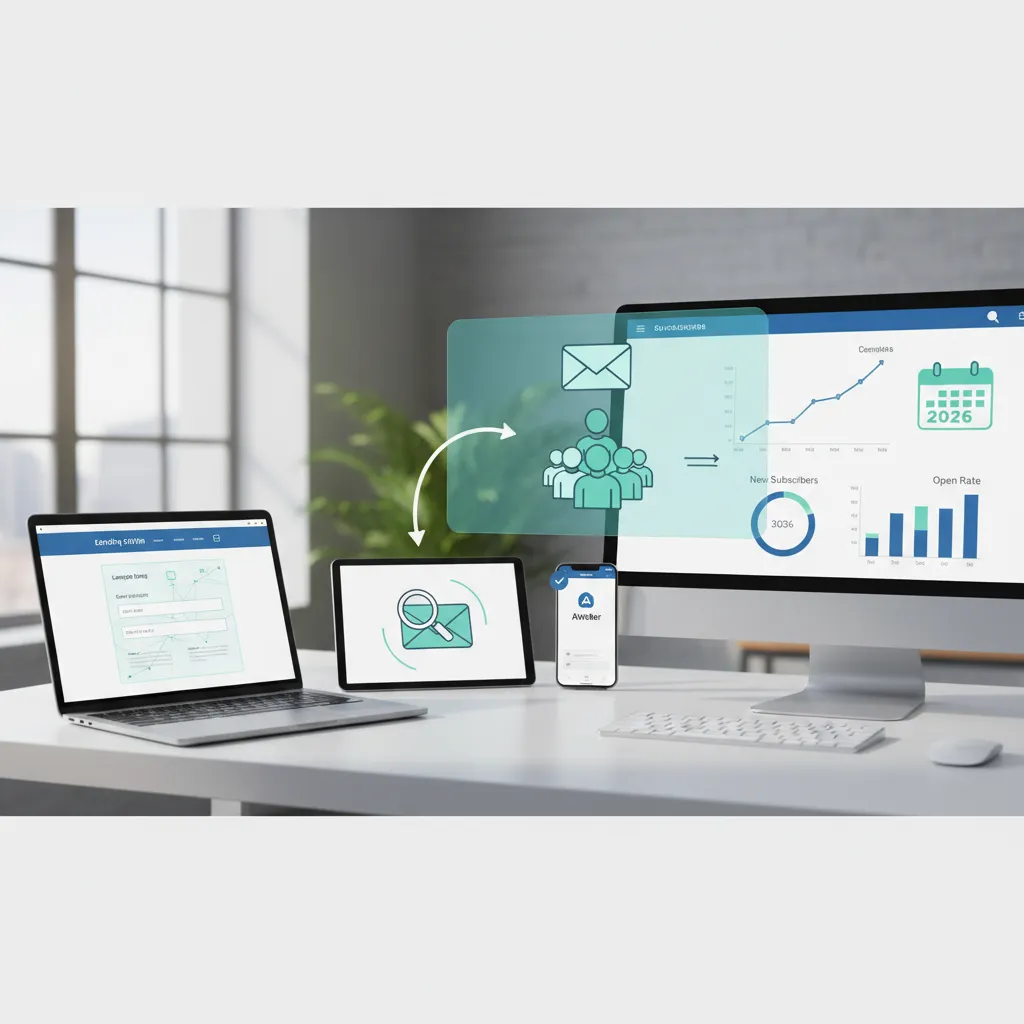
Step 1: Create Your AWeber Account
Go to AWeber and start the free trial. You will need your name and email address, a sender name (what subscribers see as “From”), a sender email address (use a domain email, not Gmail, for better deliverability), and your business address (required by CAN-SPAM). In 2026, authentication is key, so ensure you have access to your domain DNS settings to verify ownership immediately. This step prevents your emails from landing in spam folders by proving you are a legitimate sender. Proper authentication also protects your domain reputation from being flagged by major providers like Gmail and Outlook, who have tightened security requirements significantly.
Step 2: Set Up Your First List
After account creation, AWeber guides you to create a list. Click Lists in the left sidebar, then Create a List. Key settings to configure include the list name, from name, from email, and confirmation subject line. AWeber defaults to confirmed opt-in (double opt-in). This reduces your subscriber count slightly compared to single opt-in, but produces a more engaged list with better open rates and fewer spam complaints. This is crucial for maintaining sender reputation and ensuring long-term deliverability. Segmentation starts here; consider creating separate lists for different audience personas if your business offers diverse services.
Step 3: Create a Lead Magnet
Before you build the form or landing page, decide what you are offering in exchange for the email address. A lead magnet solves a specific, immediate problem for your audience. Formats that consistently produce results include checklists, templates, short guides (5-10 pages), quizzes, free mini-courses, and tools or calculators. Generic lead magnets no longer produce meaningful conversion rates. Specific beats broad. For example, instead of “Marketing Tips,” offer “10 Email Subject Lines That Got 50% Open Rates.” The perceived value must outweigh the privacy cost of giving an email address.
Step 4: Build Your Sign-Up Form
In AWeber, go to Sign Up Forms and click Create a Sign Up Form. Options include inline forms, pop-ups, slide-ins, and floating bars. For most sites, start with an inline form in high-traffic locations and add a pop-up with a 30-second delay. Timed pop-ups with a relevant offer convert at 3-8% versus under 2% for static embedded forms. In the form builder, add a clear headline stating the benefit, keep fields to a minimum (usually just email and name), write a specific CTA button label, and match form colors to your site brand. After saving, AWeber provides embed code. Copy it and paste it into your website’s HTML or use the AWeber WordPress plugin for one-click installation. Ensure your forms are GDPR compliant by adding a consent checkbox if required.
Step 5: Build a Dedicated Landing Page
A sign-up form on your website captures visitors who are already there. A landing page captures traffic from ads, social media, and direct links. AWeber includes a landing page builder on all plans. To build one, go to Landing Pages, click Create a Landing Page, and select a template. Elements of a high-converting landing page include a specific headline, clarifying subheadline, bullet points of outcomes, social proof, a single CTA, and trust indicators. Remove all navigation from the landing page. Every extra link is a leak in the conversion funnel. Use A/B testing on your headlines to maximize conversion rates over time.
Step 6: Configure a Welcome Automation
The first email a subscriber receives sets the tone for the entire relationship. AWeber’s automation builder handles this through Campaigns. To set up a basic welcome sequence, go to Automations, create a campaign triggered when someone subscribes, and add a delay of 0 minutes for the first email. A minimal welcome sequence structure includes delivering the lead magnet on Day 0, sharing useful content on Day 2, addressing a specific problem on Day 4, and a soft introduction to your main offer on Day 7. This nurtures the lead before asking for a sale, increasing trust and lifetime value.
Step 7: Connect AWeber to Your Website and Traffic Sources
AWeber integrates directly with WordPress via the official plugin, Shopify for customer sync, Wix and Squarespace via code block, and Facebook Lead Ads. For WordPress sites, the AWeber plugin adds a widget that places forms in sidebars, footers, and within content via shortcode. No coding required. Ensure you set up DKIM and SPF records in your DNS to maximize inbox placement. Connecting your e-commerce platform allows you to send abandoned cart emails, which can recover up to 15% of lost sales automatically.
How Can You Grow Your Subscriber Count?
Honest reviews and no-hype guides — straight to your inbox. No spam, unsubscribe anytime. Some links in our articles are affiliate links. See our full Affiliate Disclosure for details.Get the tooltester24 digest
Related Articles



