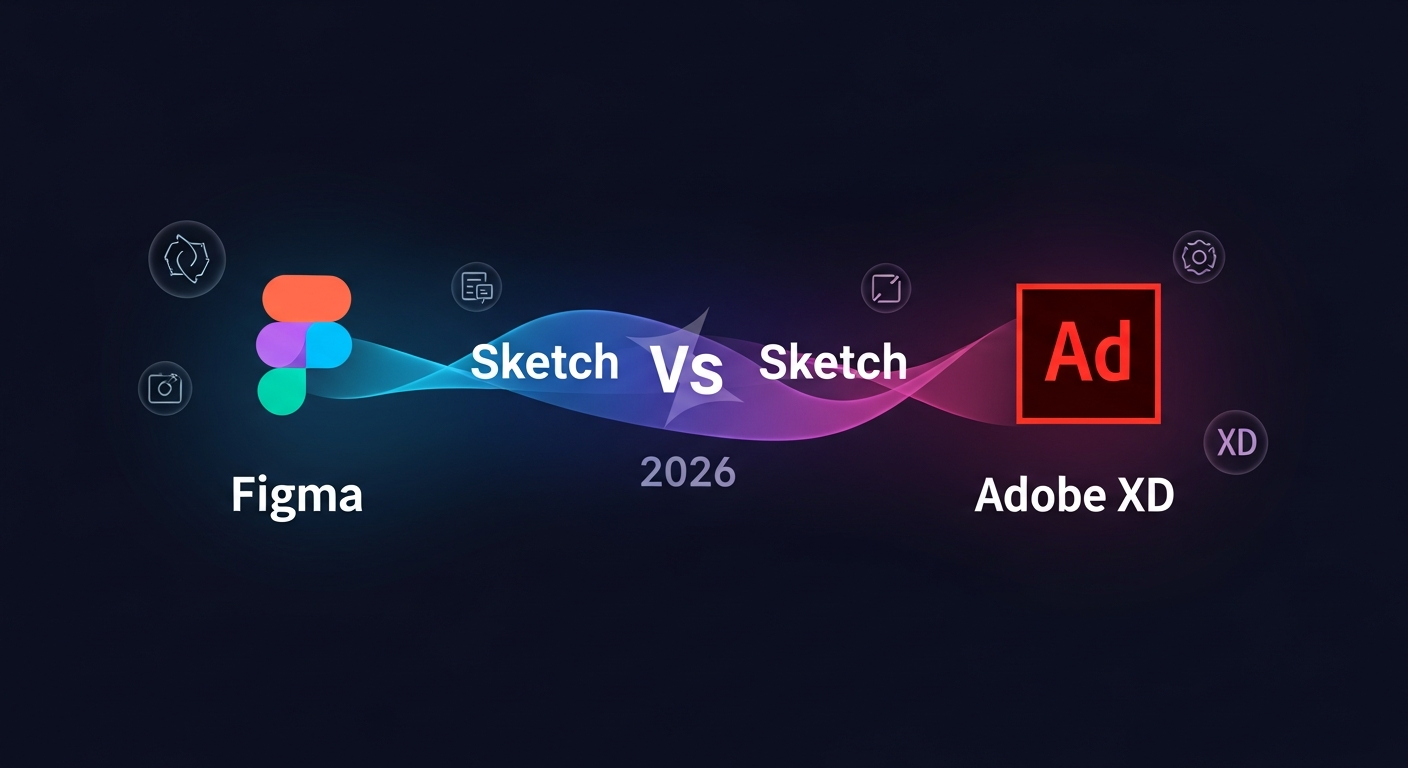
Figma vs Sketch vs Adobe XD 2026: Design Tools
Table of Contents
Key Takeaways:
- Adobe XD was officially discontinued in December 2023—designers still using it need to migrate immediately.
- Figma dominates with 80%+ market share, offering the best collaboration, plugins, and AI features in 2026.
- Sketch remains viable for macOS-only teams prioritizing offline work and native performance.
- The real competition in 2026 is Figma vs emerging alternatives like Framer and Penpot—not legacy tools.
The Death of Adobe XD: What Designers Need to Know in 2026
Let me be direct: if you’re still using Adobe XD in 2026, you need to switch. Adobe officially discontinued XD in December 2023, and all cloud services shut down in June 2024. You can’t even download the software anymore.
That’s the bad news. The good news? The design tool landscape has evolved dramatically, and the alternatives are genuinely better. I’ve used all three tools extensively, and here’s my take on where we stand.
My journey: I started with Sketch in 2017, migrated to Adobe XD when it launched, then switched to Figma in 2020. Today, Figma is my daily driver for client work. I still keep Sketch around for one specific project type. But XD? Gone.
Figma vs Sketch vs The Rest: 2026 Comprehensive Comparison
After testing these tools extensively for client projects, here’s my honest breakdown:
| Feature | Figma | Sketch |
|---|---|---|
| Platform | Web + Desktop (Mac/Windows/Linux) | macOS only |
| Real-time Collaboration | ✅ Best in class | ❌ Single-user only |
| Offline Mode | Limited (desktop app) | ✅ Full offline |
| Prototyping | Advanced (Smart Animate) | Basic |
| Dev Handoff | ✅ Excellent | ✅ Good |
| AI Features | ✅ Figma AI (beta) | ❌ None |
| Plugins | 1,000+ | 1,000+ |
| Pricing | $15-45/user/mo | $9/user/mo |
Why Figma Wins in 2026
Figma isn’t just popular—it’s become the default. When clients, teammates, or freelancers share a design file, it’s almost always a Figma link. The real-time collaboration alone makes it worth switching.
Here’s what sets Figma apart:
- Browser-first means anywhere: I’ve designed on a Windows laptop, a MacBook Air, and even an iPad—all without installing anything. The web app is remarkably capable.
- Smart Animate is magic: Creating fluid prototypes that feel like real apps used to take hours. Now it takes minutes. Clients consistently impressed.
- Dev Mode bridges the gap: The new Dev Mode makes hand-off conversations with engineers dramatically smoother. No more “just export it again” emails.
- AI is coming: Figma’s AI features (currently in beta) can generate layouts, suggest components, and automate repetitive tasks. It’s not perfect yet, but it’s the future.
The cons? Figma requires internet for the best experience. If you’re on a spotty connection or need to work offline for security reasons, it frustrates. And the pricing has crept up—$15/month adds up for teams.
Why Sketch Still Matters
Sketch isn’t dead—it’s just niche now. For a specific use case, it’s still excellent: macOS-only design teams working on complex, component-heavy projects.
Here’s where Sketch wins:
- Full offline design: When I need to design on a flight or in a remote cabin, Sketch is my choice. No internet required, ever.
- Native macOS experience: The interface feels like a native app—keyboard shortcuts, gestures, everything works like you’d expect on a Mac.
- One-time purchase option: You can buy Sketch for a one-time fee (around $200) rather than subscription. For some teams, this is cheaper long-term.
- Component architecture: Sketch’s symbol system was the original. It’s still robust and intuitive, especially for design systems.
The problems are significant: no collaboration (forget pair designing), no web access, and the plugin ecosystem is stagnating while Figma’s grows. Most teams need collaboration—Sketch’s isolation is increasingly a dealbreaker.
What About Adobe XD Users?
If you’re coming from Adobe XD, the transition to Figma is smoother than you might expect. The prototyping interface is similar, and Figma even has an XD importer that gets you 80% of the way there.
Migration tips I learned the hard way:
- Use Figma’s XD import—it’s surprisingly good but you’ll need to rebuild some interactions
- Rebuild your design system components from scratch—XD components don’t translate perfectly
- Expect a learning curve with Auto Layout (Figma’s responsive design tool)—worth the time
- Set up a team library immediately—it prevents the chaos XD became with large files
The Adobe Creative Cloud users among you might consider Adobe Firefly integrated into other tools—but honestly, Figma’s AI features are ahead of what Adobe offers for UI design specifically.
Alternatives Worth Watching
The design tool market isn’t just Figma and Sketch anymore. Here are alternatives I’m tracking:
- Framer: Best for designers who code. The ability to export React components directly is huge if you’re building design systems for dev teams.
- Penpot: The open-source alternative. It’s improving rapidly and is genuinely free (self-hosted option). Worth watching if you’re privacy-conscious.
- UXPin: Strong on prototyping and design systems. A solid alternative if you need advanced interaction design.
- Adobe (Firefly +): Adobe is pushing AI-generated design. For casual users, it’s compelling. For professional UI work, it’s not ready.
My Recommendation: Start with Figma
If you’re choosing a design tool in 2026, here’s my advice:
Choose Figma if: You work with a team, need collaboration, want the most features, or are starting fresh. The network effects are real—everyone uses Figma.
Choose Sketch if: You’re a macOS-only shop, need offline work, or have a small team (under 5) that works asynchronously. The one-time purchase is appealing.
Don’t choose Adobe XD—it’s gone.
Frequently Asked Questions
Is Adobe XD completely dead?
Yes. Adobe discontinued XD in December 2023, and all cloud services shut down in June 2024. You cannot download, access, or use XD anymore. Migrate to Figma immediately.
Can I still use Sketch in 2026?
Yes, Sketch still works and receives updates. However, it’s increasingly isolated from industry standards. Only choose Sketch if you have a specific reason (offline work, macOS-only workflow, budget constraints).
Is Figma free?
Figma has a free tier with limited projects and editors. For professional use, expect to pay $15/month per editor (or $45 for organizations). The free tier is enough to learn and build a portfolio.
What’s the best design tool for beginners?
Figma. The free tier, browser access, and tutorial availability make it the obvious choice. You’ll learn skills directly applicable to professional work.
Is there a free alternative to Figma?
Penpot is the best open-source alternative—genuinely free and getting better. For commercial use, the Figma free tier is sufficient for most individual designers. For more information, check out find the best AI tools.
The Future of Design Tools: AI and Beyond
Design tools are evolving faster than ever. Here’s what I’m watching:
AI is the biggest shift: Figma’s AI features can generate layouts, suggest components, and automate tedious tasks. It’s not replacing designers—it’s removing the boring parts. Expect AI to handle more of the “make it look like this” requests.
Design-to-code is maturing: Tools like Framer and Builder are making the “hand-off” conversation obsolete. Designers can now ship working interfaces without developers. This changes the economics of product teams.
Collaborative design is standard: The days of emailing PSD files are truly over. Real-time collaboration isn’t a feature anymore—it’s a requirement. Any tool that doesn’t offer it is already obsolete.
Making the Switch: A Practical Guide
Switching design tools is daunting. Here’s my step-by-step process:
- Week 1: Recreate your design system (colors, typography, components). This is the foundation—get it right.
- Week 2: Migrate one project. Expect friction—note what works and what doesn’t.
- Week 3: Rebuild your most-used templates and workflows.
- Week 4: Go full-time. Delete your old tool accounts after 30 days.
The first two weeks are the hardest. After that, you’ll wonder why you waited so long.
Conclusion: The Tool That Wins Is The One You Use
Here’s the truth no one tells you: the best design tool is the one your team actually uses. Figma dominates because it works, it’s accessible, and everyone knows it.
But if Figma doesn’t fit your workflow—maybe you need offline, maybe you need simplicity, maybe your team is tiny—Sketch remains a solid choice. The “right” tool depends on your context.
What matters more than the tool? Learning it deeply. A master with Sketch beats a novice with Figma every time. Pick one, commit, and get good.

SaaS reviewer and technology analyst with 8+ years testing web tools, hosting platforms, CRMs, and marketing software for small businesses and agencies.
Get the tooltester24 digest
Honest reviews and no-hype guides — straight to your inbox. No spam, unsubscribe anytime.
Some links in our articles are affiliate links. See our full Affiliate Disclosure for details.
Related Articles



12+ years in web infrastructure and cloud computing. Former enterprise hosting manager. Leads our web hosting, VPN, and website builder reviews.
Specialties: Web hosting, cloud infrastructure, VPN services, website builders