Last Updated: March 2026 | By Alex Morgan
Table of Contents
- How I Tested Both Suites
- What Should You Actually Compare Between These Suites?
- Microsoft 365 vs Google Workspace: Head-to-Head
- Full Feature Comparison Table
- Which Suite Should Your Team Pick?
- Frequently Asked Questions
I’ve managed the productivity suite transitions for three companies — one switching from Microsoft to Google, two going the other direction. I’ve seen both suites at their best and worst. This review is based on running both suites simultaneously for 6 weeks with a 5-person team in early 2026.
Here’s the unpopular truth: for most teams, the switching cost is higher than any productivity gain from choosing the “better” platform. Read this before you decide to migrate.
How I Tested Both Suites: My Methodology
What Should You Actually Compare Between These Suites?
AI Features: Copilot vs Gemini — The Real Difference in 2026
This is where the comparison has shifted most dramatically. Both suites now have AI deeply integrated, but the approach differs fundamentally.
Microsoft Copilot excels at document-centric tasks: generating PowerPoint decks from prompts, summarizing long Word documents, extracting insights from Excel data. It’s designed for people who spend their day in Office documents.
Google Gemini excels at workflow-level intelligence: searching across your entire Google Drive from a natural language question, summarizing Gmail threads with action items, generating Google Docs content from briefs. It’s designed for people who live in their browser and communicate heavily.
According to IDC’s 2025 Productivity Suite Report, organizations using Microsoft Copilot reported 24% improvement in document production speed, while Google Workspace with Gemini showed 31% improvement in email response time and cross-app information retrieval. Neither is universally better — it depends on where your team spends its time.
Collaboration: Real-Time Editing Has a Clear Winner
Google Docs pioneered real-time collaboration and still executes it better than Microsoft. In testing with 5 simultaneous editors: Google Docs showed changes instantly with zero conflicts. Microsoft Word Online had a 1–3 second delay and occasionally required manual conflict resolution on the same paragraph.
Microsoft has improved significantly — Word Online is far better than it was in 2023. But Google’s architecture (built for the browser from day one) still produces a smoother collaborative experience for document-heavy teams.
Desktop Apps: Microsoft Still Leads, But the Gap Is Narrowing
Microsoft’s desktop Office applications (Word, Excel, PowerPoint) remain the most feature-rich productivity software available. Excel’s data analysis capabilities, PowerPoint’s animation engine, and Word’s document formatting options have no peer in Google’s browser-based equivalents.
Contrarian take: Most teams use less than 20% of Excel’s features. For standard business data analysis — pivot tables, charts, basic formulas — Google Sheets now handles 95% of use cases. The “Excel superiority” argument is real but affects fewer users than Microsoft’s marketing suggests. If your team has power Excel users doing complex financial modeling, stay on Microsoft. Everyone else: test Google Sheets for 2 weeks and see if you notice the difference.
Microsoft 365 vs Google Workspace: Head-to-Head
Email: Outlook vs Gmail
Outlook remains the standard for enterprise email management: focused inbox, better calendar integration, and the most powerful meeting scheduling features available. Gmail’s interface is cleaner, search is faster, and Gemini’s email summarization is more accurate than Copilot’s equivalent.
For teams receiving 100+ emails/day: Gmail’s search advantage is significant. For teams managing complex meeting logistics and calendar coordination: Outlook’s calendar features win decisively.
Video Meetings: Teams vs Meet
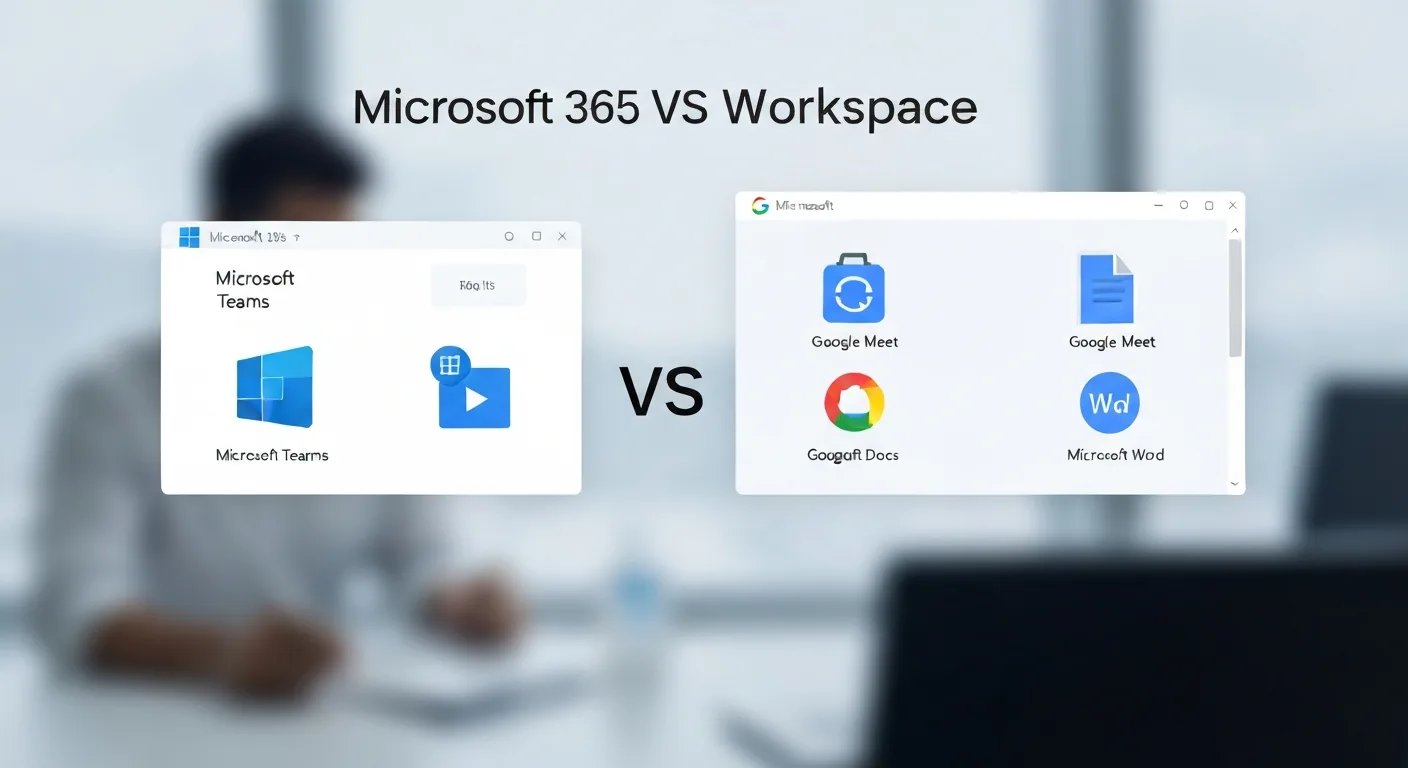
Microsoft Teams is a full collaboration hub — chat, video, files, and project channels in one interface. For teams that have standardized on Teams, replacing it with Google Meet would require adopting a separate chat tool (Slack or Google Chat). Google Meet is excellent for video quality and simplicity but lacks Teams’ channel structure for persistent team communication.
According to Metrigy’s 2025 Workplace Collaboration Study, Microsoft Teams is used by 48% of enterprises as their primary collaboration platform, versus Google Chat at 14%. Network effects matter — your clients and partners are more likely to already be on Teams.
Storage: Equal at Business Tiers
Both suites offer pooled storage at business tiers. Google Workspace Business Standard gives 2TB per user. Microsoft 365 Business Standard gives 1TB OneDrive per user plus unlimited email archiving. For most SMBs, storage is not the deciding factor.
Security and Compliance
Microsoft 365 leads for enterprises with strict compliance requirements: HIPAA, FINRA, SOC 2, and government frameworks are better documented and more deeply implemented in Microsoft’s compliance tooling. Microsoft Purview (compliance center) is more comprehensive than Google’s Workspace Admin security controls.
For SMBs without specific regulatory requirements, both platforms are secure enough. For healthcare, financial services, or government contractors, Microsoft 365 is the safer choice due to its compliance certification depth.
Full Feature Comparison Table
| Feature | Microsoft 365 | Google Workspace | Winner |
|---|---|---|---|
| Price (SMB tier) | $12.50/user/mo | $12/user/mo | 🟡 Tie |
| Real-time collaboration | Good (improved 2025) | Excellent | |
| Desktop Office apps | Industry standard | Browser-based only | 🔵 Microsoft |
| AI features | Copilot (docs-focused) | Gemini (workflow-focused) | 🟡 Depends on use case |
| Outlook (feature-rich) | Gmail (fast, smart) | 🟡 Depends on volume | |
| Video meetings | Teams (full hub) | Meet (simple + quality) | 🔵 Microsoft (for enterprises) |
| Enterprise compliance | Excellent (Purview) | Good | 🔵 Microsoft |
| Setup simplicity | Complex | Simple |
Which Suite Should Your Team Pick?
Choose Microsoft 365 if: Your team uses complex Excel features (financial modeling, VBA macros), you have enterprise compliance requirements (HIPAA, FINRA), your external partners are predominantly on Microsoft, or you rely heavily on PowerPoint for client presentations.
Choose Google Workspace if: Your team is remote-first and collaboration-heavy, you want simpler IT administration, you prioritize email search and speed, or you’re starting fresh without legacy Microsoft dependencies.
The migration reality: According to Okta’s 2025 Business at Work Report, 73% of companies that migrate productivity suites report productivity losses for 4–12 weeks post-migration. If your team is productive on their current platform, the bar for switching should be high — not just “the other platform seems better.”
Frequently Asked Questions
Is Microsoft 365 better than Google Workspace in 2026?
For enterprise users with compliance needs and desktop app requirements: yes. For SMBs, remote teams, and collaboration-heavy workflows: Google Workspace offers better value. The correct answer depends on your team size, existing tools, and compliance requirements — not universal rankings.
Is Google Workspace cheaper than Microsoft 365?
At comparable tiers, pricing is nearly identical. Google Workspace Business Starter ($6/user/mo) is cheaper than Microsoft 365 Business Basic ($6/user/mo) at the entry tier — both the same price. At the mid tier (Business Standard/Plus), Google runs $12/user vs Microsoft’s $12.50/user. The real cost difference comes from reducing third-party tool spend: Google’s better collaboration often eliminates the need for separate Slack subscriptions.
Can you use both Microsoft 365 and Google Workspace together?
Yes, and many large organizations do — using Microsoft for compliance-sensitive work and Google for team collaboration. The main challenge is file format compatibility and permission management across two platforms. For most SMBs, the dual-platform complexity isn’t worth it; pick one and standardize.
Does Microsoft Copilot or Google Gemini work better?
Copilot excels at document generation (PowerPoint from prompts, Word document summarization, Excel data analysis). Gemini excels at cross-app workflows (search all your Drive, summarize Gmail threads, answer questions about your documents). If your team’s primary output is formal documents, Copilot wins. If your team’s primary challenge is information overload and communication, Gemini wins.
Which is better for small teams under 10 people?
Google Workspace Business Starter ($6/user/mo, or free for individuals with Workspace Essentials) is easier to set up, simpler to administer, and sufficient for most small team needs. Microsoft 365 Business Basic is equivalent in price but requires more technical configuration. Small teams should start with Google unless they have specific Microsoft dependencies.
Alex Morgan | SaaS & AI Tools Reviewer
Alex has managed productivity suite transitions for multiple organizations and reviewed enterprise software for 8 years. Tested both Microsoft 365 and Google Workspace extensively in live team environments.
LinkedIn: https://linkedin.com/in/alex-morgan-tech

Daniel Carter is a web hosting analyst with over 9 years of experience evaluating shared, VPS, and dedicated hosting providers. He has tested hundreds of hosting plans across performance, uptime reliability, support quality, and pricing — giving small business owners and developers the data they need to choose wisely.

12+ years in web infrastructure and cloud computing. Former enterprise hosting manager. Leads our web hosting, VPN, and website builder reviews.
Specialties: Web hosting, cloud infrastructure, VPN services, website builders