Table of Contents
Affiliate disclosure: ToolTester24 may earn a commission if you buy through the affiliate links in this guide. Our review relies on public vendor docs, not hands-on product testing.
To replace ActiveCampaign with a simpler email setup, match the new tool to your core workflow. Choose MailerLite for a newsletter and group welcome email, where Free caps at 250 subscribers. Pick AWeber for tag sequences, or GetResponse for event filters. Keep ActiveCampaign if switching drops a required sales trigger.
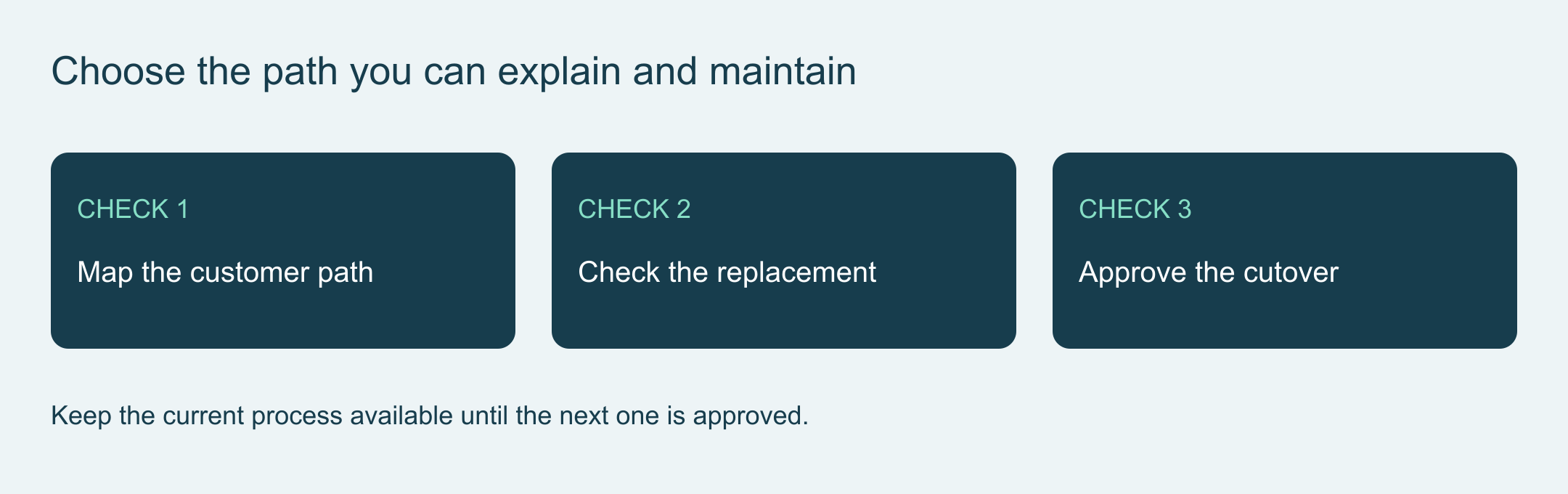
Define the automation you need to maintain
Write down who enters your workflow, which emails they get, what changes their path, and when sends stop. Use that short list to judge how much work each tool requires.
We checked official vendor docs on 29 and 30 October 2026. This guide covers published features and migration checks, with no measured setup speed, inbox rate, or cost savings.
ActiveCampaign’s automation page covers branching logic, behavior triggers, and guided setup tools. Before you leave the platform, check whether trimming unused branches inside ActiveCampaign solves your maintenance problem.
Separate a welcome path from connected sales work
Sending a free checklist after signup is much simpler than updating CRM deals and alerting sales reps after a checkout. List every event, custom field, app link, and team member involved. Mark which steps drive revenue and which ones nobody uses.
| Needed path. | Candidate. | Critical check. |
|---|---|---|
| Form followed by a simple welcome email. | MailerLite. | Group link, double opt-in, trigger, and ongoing plan caps. |
| Email flow with event rules and filters. | GetResponse. | Workflow count and app integration access on your chosen tier. |
| Welcome sequence with messages, waits, and tags. | AWeber. | Entry rule, repeat signups, and Lite versus Plus plan caps. |
| Connected store events and CRM sales handoffs. | Keep or simplify your current setup. | Confirm no required event, contact record, or sales alert is lost. |
None of these three tools replaces the full ActiveCampaign CRM and automation suite. Even a short email flow may require a paid tier, an app connector, and someone to watch for sync errors.
MailerLite for a small welcome path
MailerLite’s simple welcome template is marked Free and uses a group-join trigger to send a welcome email. Check it when your main job is delivering a signup resource and sending a regular newsletter.
Verify the form group, confirmation setting, and workflow trigger with a fresh email address you control. Make sure you do not run two welcome rules that send the same file twice. Treat this as an account check you run yourself, not a test we ran for you.
The current plan page sets the active subscriber cap at 250 and monthly sends at 2,500 on Free, with 3 active automations of up to 5 steps each. Passing 250 active subscribers locks sending on Free. Do not rely on older blog posts or assume every automation feature is free.
Compare MailerLite plans against the full list size and workflow you plan to keep.
GetResponse for a specified conditional flow
GetResponse’s automation documentation covers events, conditions, filters, tags, and contact scoring. Those tools make it worth checking for a multi-step flow, though they do not prove faster setup than ActiveCampaign.
Check the intended plan for the exact workflow count and app links you need. Starter includes 1 custom workflow, while Marketer includes unlimited workflows. A feature unlocked during the 14-day trial does not stay free afterward. Test both a qualifying contact and an excluded contact before going live.
Keep the workflow simple enough that your team can explain every branch. If you only need a basic signup form and welcome email, see the beginner comparison linked at the end of this guide.
Compare GetResponse plans for the conditions, app links, and ongoing access your business needs.
AWeber for a defined welcome sequence
AWeber’s workflow guide covers Message, Wait, Tag, and Check Feed steps. Those four blocks work well when you deliver a requested guide and follow up with scheduled lessons.
Write down your old entry rules and exclusions before you rebuild the sequence. Importing a CSV file does not copy your ActiveCampaign automation logic. Check your tags, test a repeat signup, and make sure imported contacts do not get a new-subscriber welcome email by mistake.
Check the plan limits for lists, landing pages, automations, and segments on Lite versus Plus. Read our AWeber review for full plan details, or view AWeber’s current offer.
Compare the complete operating commitment
Price every option against the same workload: list size, monthly sends, team seats, workflows, app links, and reports. Write down renewal rates, send caps, and overage rules. Daily and monthly send limits are not interchangeable.
Add the cost of moving and maintaining the new tool. If a vendor offers free migration help, ask exactly which forms, tags, and sequences they rebuild. Public pricing pages do not show your custom contract terms, so compare real quotes before claiming a cost saving.
Prove the replacement before closing the old process
Keep your full ActiveCampaign export and map every field, tag, consent record, and suppression list. Write down entry triggers, wait steps, branches, exit rules, and store links. A contact export never transfers message history, active workflows, and app integrations automatically.
Test a small sample batch in the new tool first. Check the main path, an excluded contact, a repeat signup, and an updated field. Verify the sender address, reply inbox, links, and unsubscribe flow before you move your full list. Never run the same live campaign in both tools at once.
Set a clear cutover date with one owner and a rollback plan. Keep your old account records until the new workflow passes every check. Export your final reports before you cancel the old billing plan.
Keep the smallest process that completes the job
Pick the tool that runs your required path cleanly. Keeping ActiveCampaign with a simpler workflow makes sense when it already works and unused branches are your only complaint. Base your choice on verified plan caps and migration effort, not generic ease-of-use labels.
Related reading
- Continuing free email plans.
- GetResponse versus MailerLite first-campaign guide.
- AWeber, MailerLite and GetResponse compared.
Selected product details checked on 30 October 2026. Earlier documentation dates are stated where relevant.
Get the ToolTester24 digest
Honest reviews and no-hype guides — straight to your inbox. No spam, unsubscribe anytime.
Some links in our articles are affiliate links. See our full Affiliate Disclosure for details.